Slicing For 3D Printing Course
Slicing 3D Printable Objects
or 4 payments of $74.75 with
 Info
Info
Reseller, Corporate or Goverment Buyer?
Government and Education
3DPrintergear has been supplying government organisations with 3D printers, services and support since 2012. As an approved government customer you will automatically be entitled to 30-day terms with an official purchase order.
If you would like to create an account, please contact us on 1300 334 327, or at admin@3dprintergear.com.au
Resellers
Want to become a reseller?
3DPrintergear offers special pricing to genuine resellers. Once your application is approved, your new buying prices will be shown on our website after you login. To apply for a resellers account please contact us at admin@3dprintergear.com.au
$10 Flat Rate Shipping - FREE
- Delivery in 2-7 Business Days.
- Most Economical Option
- Australia Wide
- Online Tracking Available
TNT Courier Express Domestic - FREE
- Business Address Only
- Delivery in 24 Hours to Australian Capital Cities
- Tracked With Insurance
- Safe For Sensitive and Oversize Freight
TOLL Courier - FREE
- Express Courier
- TOLL Express to Australian Capital Cities
- Real-Time Tracking with Estimated Delivery
- Sensitive Handling For Oversize Freight
Your Order Qualifies for Free Shipping! - FREE
Your order will be shipped by the most economical option, with online tracking. Delivery is usually 2-7 business days.
Australia Post - International Parcel - FREE
Your order will be shipped by Australia Post, with tracking. Delivery is usually 3-5 business days.
Australia Post Standard Service - $10.00
- Australia Post Standard Shipping
- Tracking Number Provided
- Australia Wide
- Online Tracking Available
3D Printer Gear Priority Dispatch - $11.00
- Jump the Queue - Priority Dispatch
- Packing & Dispatch First in Line
- Australia Wide
- Australia Post Shipping Service
- Track Your Parcel
Australia Post - Express - $12.00
- 1-2 Days Delivery To Australian Capital Cities
- Fast Express Australia Wide
- Australia Post Express
- Track Your Parcel
Free Pick-Up From Store - FREE
- Photo ID Required For All Pickup Orders
- Free pick-up from '781 High St, Reservoir VIC 3073', during opening hours
- Call Us 1300 334 327 if Urgently Required
- Express Dispatch
- Australian Owned & Operated
- Money Back Guarantee
- Quality Assured Products


Want To Stop Wasting Money and Time on Failed Prints?
Optimise Your Slicing Settings With Confidence
How You Can Confidently Optimise Your Slicing Settings to save Money and Time and get Better Prints
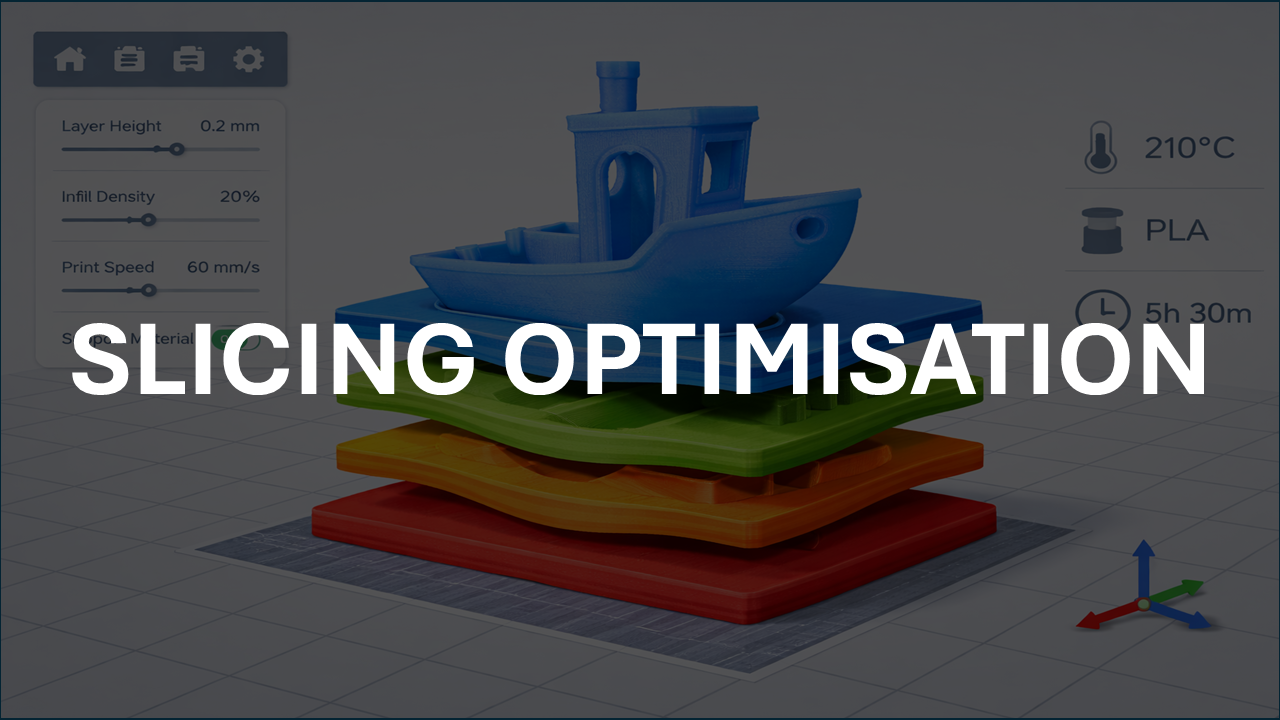
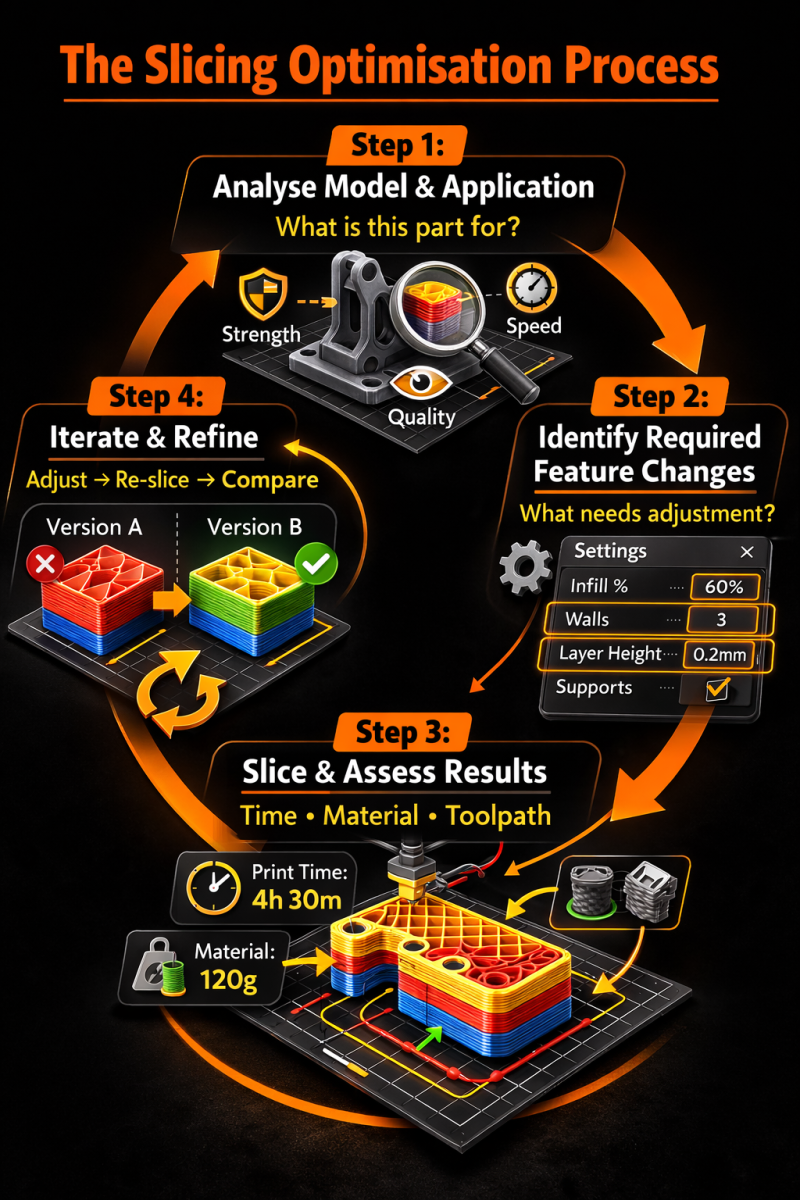
Inside this Slicing Optimisation: Save Money and Have Better Prints Course: A step-by-step pathway to understanding optimising your filament settings, changing the right settings for various 3D printing use cases, and troubleshooting common slicing issues — so you don't waste time and money on failed prints.
This Course Will Teach You:
.png)
Understand Key Settings of Slicing
Practical slicing guidance for real-world prints: fit, clearances, strength, orientation, and print-friendly geometry.
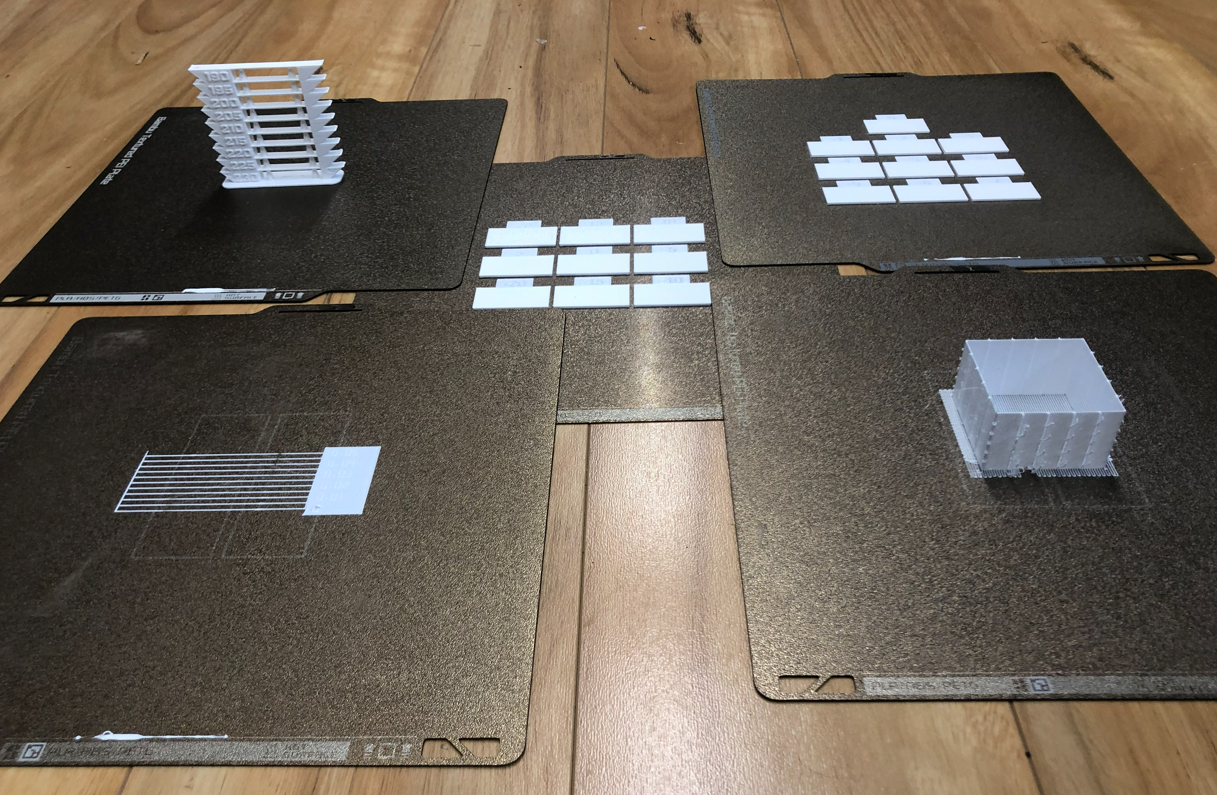
Optimise Filament Settings Once and Benefit Forever
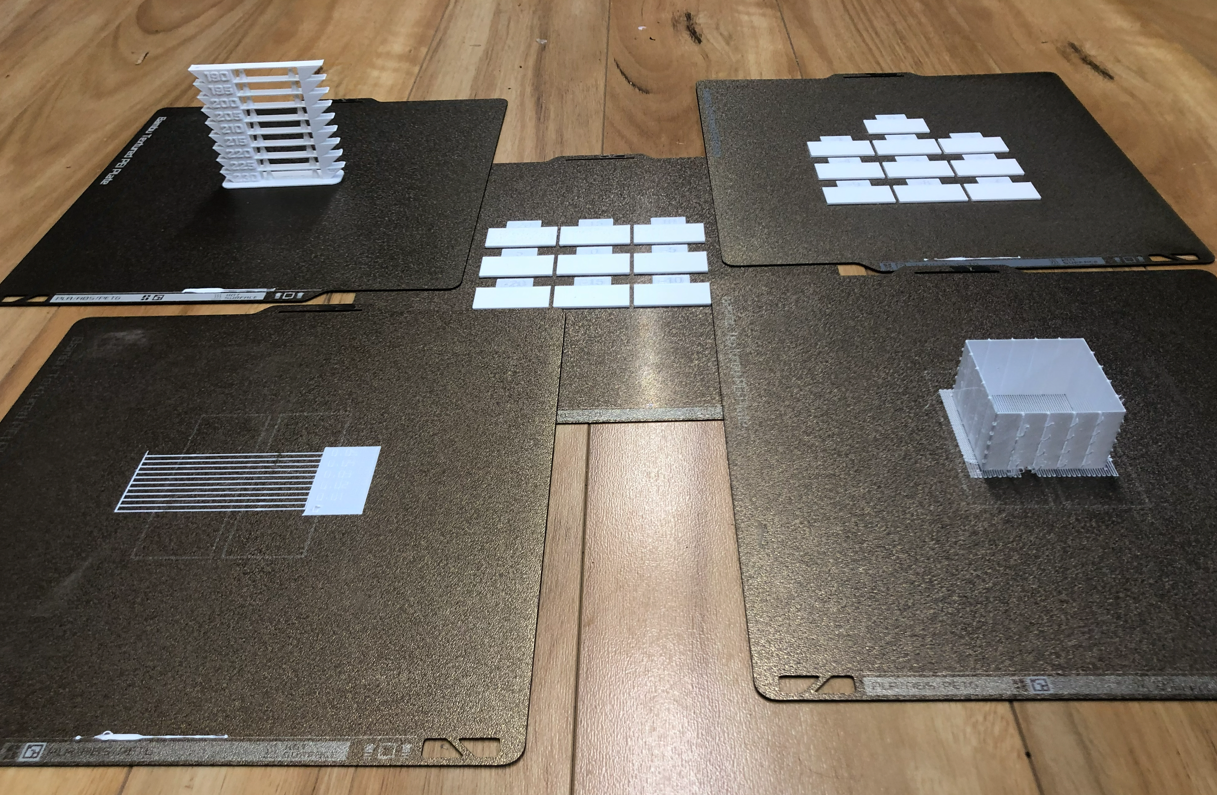
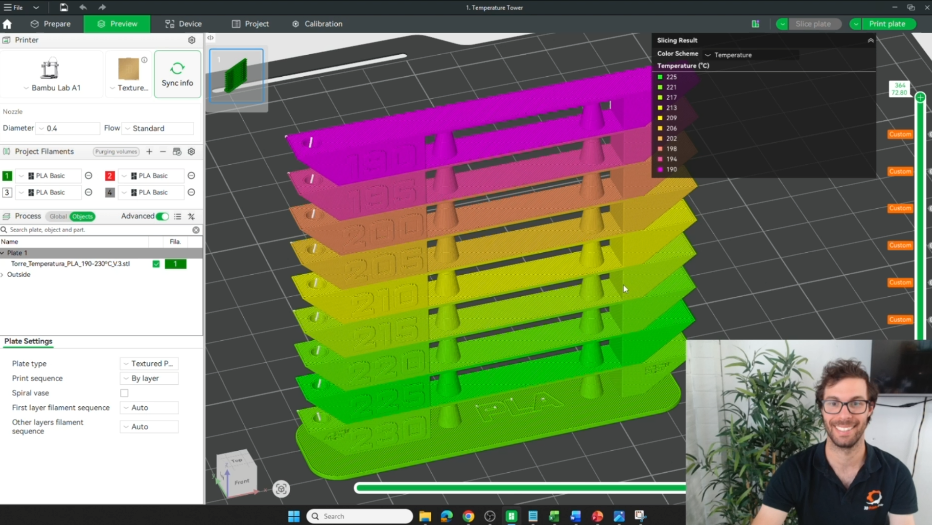
Have you ever optimised your filament settings of Temperature, Flowrate, Dynamic Flow and Retraction? If not, you are leaving reliability and money on the table.
.png)
Troubleshoot Common Slicing Issues
Avoid and fix common issues of slicing to gain a deeper understanding of how it works, and what is required to avoid errors.

Slicing Faster and More Efficiently to save Time Long-term
A workflow that cuts guesswork and rework — so you stop spending hours re-slicing parts and avoid costly mistakes.
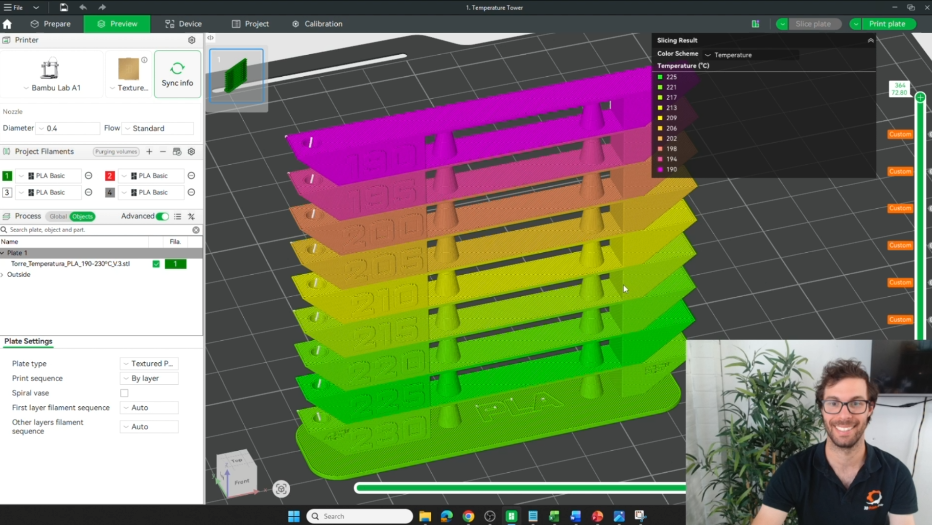
We will give Slicing Optimisation Alongside me
Watch the full slicing process and thought process of slicing optimisation, then put the knowledge to the test by applying the same principles to your parts. This is where theory turns into practical confidence. Then test your skills!
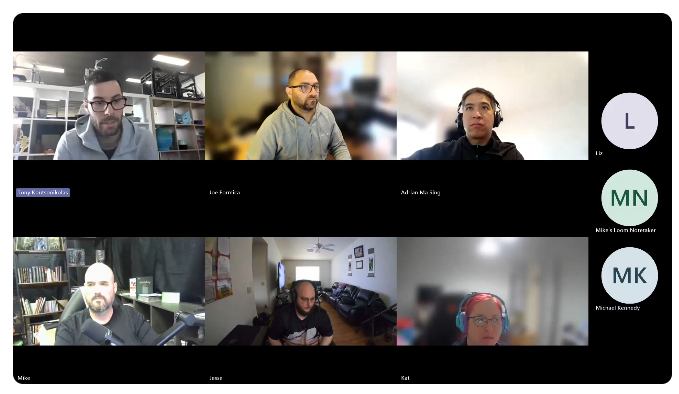
Get Help With Weekly Q&A's and Ongoing Support
Everyweek we hold 60-minute sessions Q&A session with Tony and you will have access to community help.
Slicing Optimisation? What does that actually mean?
Fair question. Let’s make it simple.
Most people with a 3D printer can print… but they can’t slice.
They get stuck using other people's settings and hoping whatever they fit change does the job.
But when you can effectively Slice and Optimise:
✅ You create parts that actually print well
✅ You reduce print time significantly and Save Money
✅ You reduce material used significantly and Save Money
✅ You waste less filament on failed “trial and error” prints
✅ You build confidence because you understand why things work
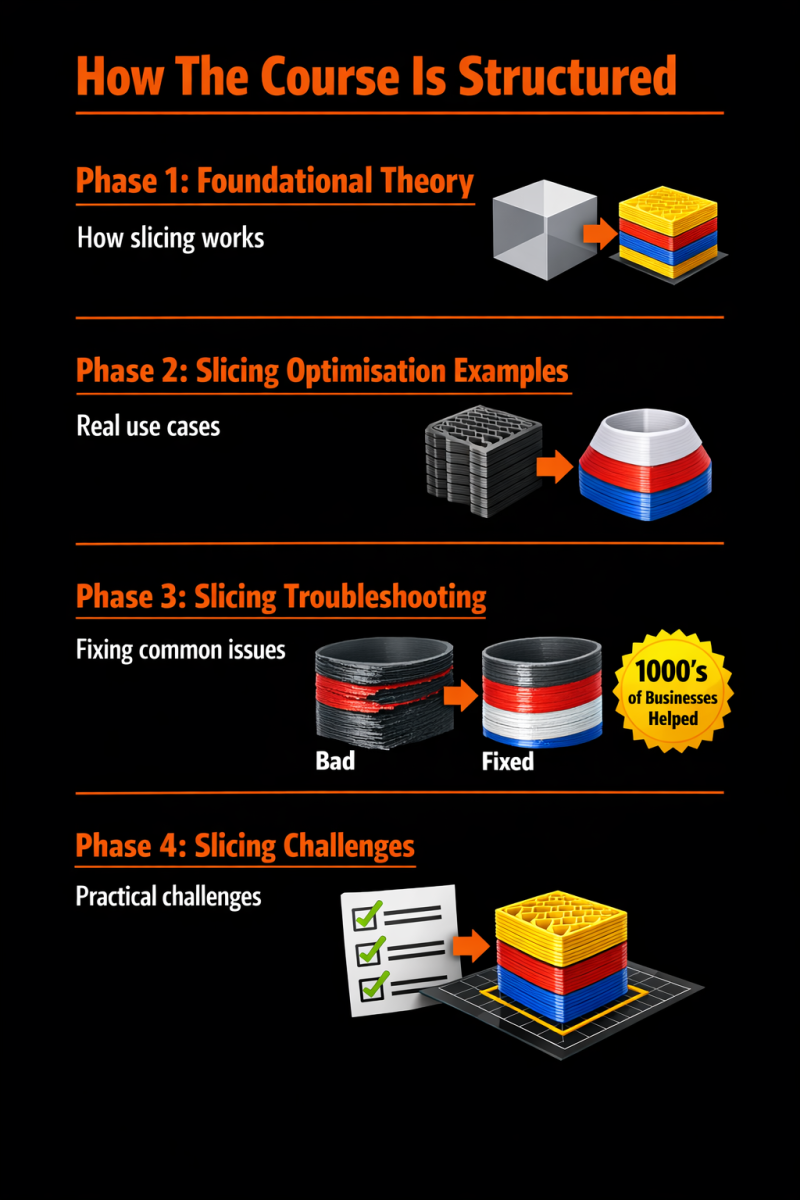
How The Course Is Structured
Phase 1: Foundational Theory — how slicing works
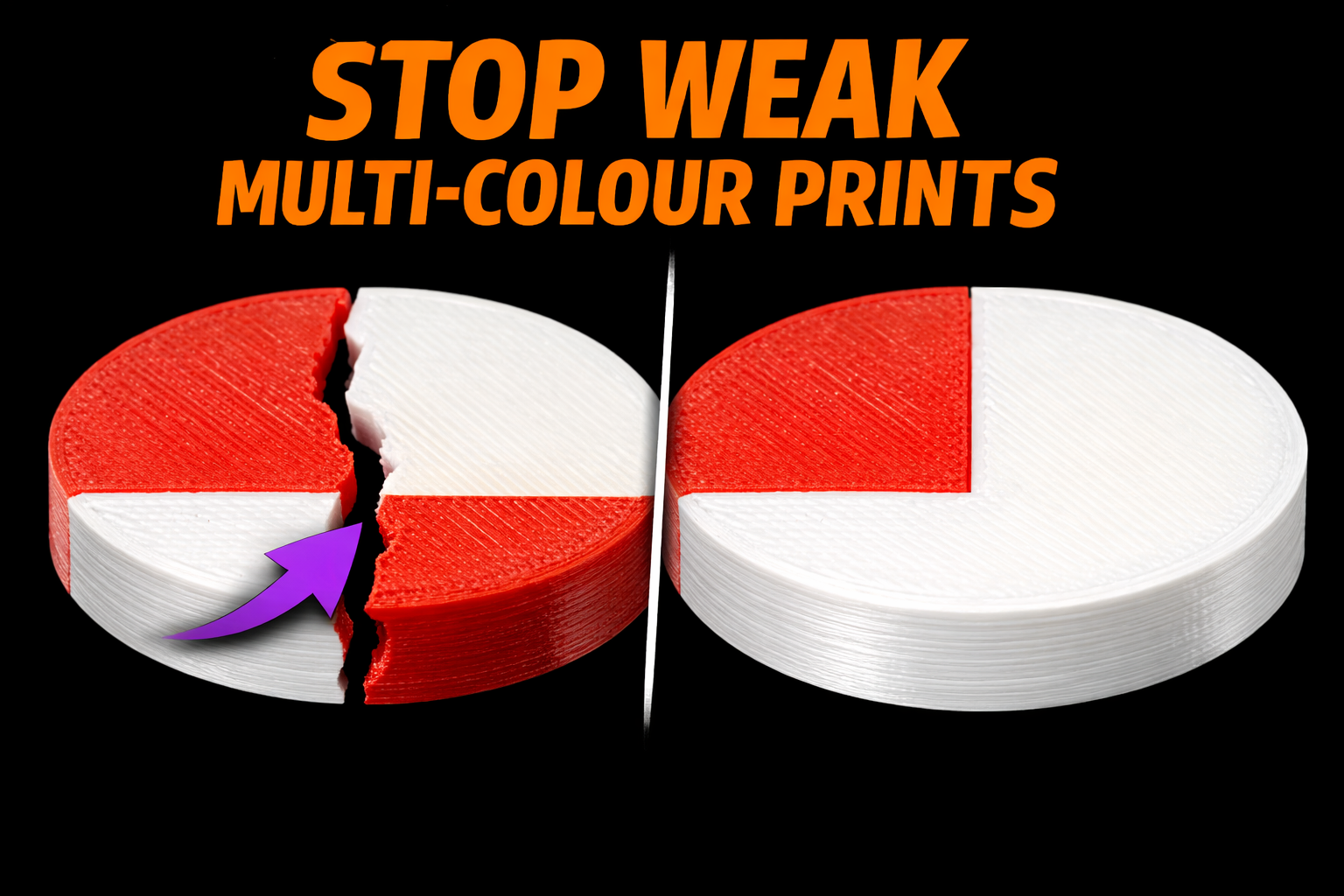
Phase 2: Slicing Optimisation Examples — Real examples for various use cases (e.g. slicing optimisation for strong parts, or multi-colour prints).
Phase 3: Slicing Troubleshooting — After helping 1000's of business per year with 3D printing, we know the common issues you need to avoid or learn to fix
Phase 3: Slicing Challenges — complete various slicing challenges so the learning sticks.
Why Not Just Use Default Settings?
• Failed Prints are generally caused by Wrong Settings
• Using too much filament (too much wasted $$$)
• Taking too long to print for no reason (too much wasted time = $$$)
• Constant frustration using different settings and not knowing what to change
This course teaches slicing settings to change specifically for your use case so you can design faster, waste less filament, and work with confidence.
Who Is This Perfect For
BEGINNER / INTERMEDIATE
HOBBYISTS
BUSINESS OWNERS
STUDENTS
TEACHERS
MAKERS
PRINT FARM OPERATORS
ENGINEERS & TECHS
ANYONE WHO WANTS TO DESIGN
Our Partners










INTRODUCING
Slice With Confidence: Software is Bambu Slicer
You can spend the next 6 months guessing, restarting designs, and printing parts that might print correctly...
Or you can follow a proven pathway and finally learn to slice your own 3D printable parts with confidence.
This is built for real 3D printing outcomes:
• Understand slicing settings
• Slice for your specific use case
• Slice for faster, more reliable and better prints (avoid wasted time and money)
• Reinforce your skills through slicing challenges (so the learning sticks)
• Get help through Q&A sessions and our 3D printing community
• Ongoing help through our community + exclusive Q&A / live sessions with Tony
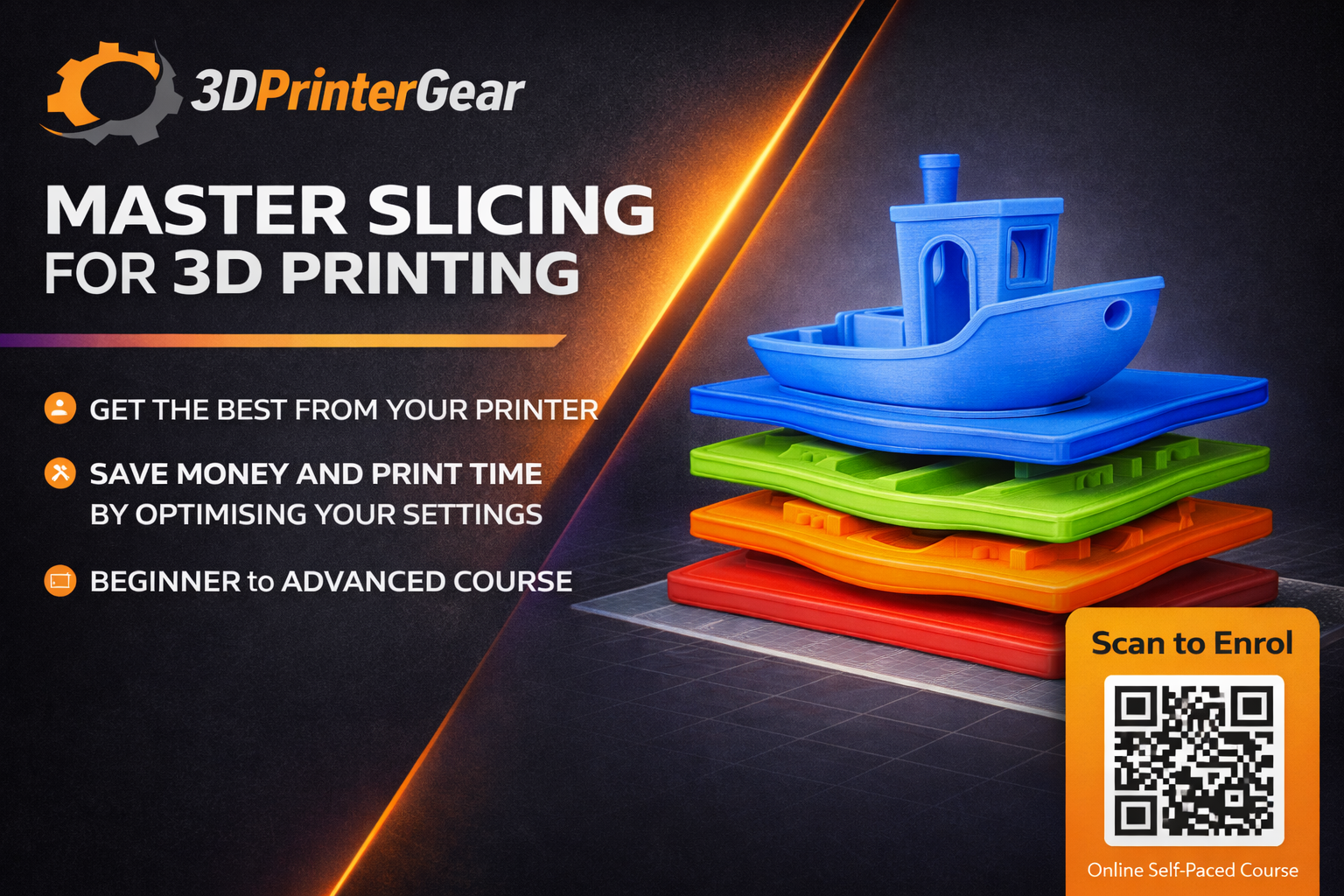
Here's what you get:
- 3+ Hour Slicing Video Training
- Q&A Sessions for Ongoing Support
- Specific Slicing Guidance For 3D Printing Use Cases
- Real Slicing Optimisation Guides (Full Process)
- Full guide into Dialling in Filament Settings (temperature, flow rate, dynamic flow, retraction)
- Slicing Challenges To Reinforce Skills
- Ongoing Community Help + Exclusive Q&A / Live Sessions With Tony
- Ability To Slice Your Own 3D Models (Not Just Use Other People’s Settings)
- Save Print Time, Filament Usage and Failed Prints (means more money in your pocket)
TRY IT RISK FREE
100% Money Back Guarantee
If you don’t feel more confident designing your own 3D printable parts within 30 days, you’ll receive a full refund.
That’s how confident we are this will take you from “I can print” to “I can design.”
Tap the button below and join the Design With Confidence course now.

STILL NOT SURE?
Frequently Asked Questions
Q: What exactly do I get inside the course?
You’ll get 3+ hours of slicing training (using Bambu Slicer), specific filament optimisation guidance (temperature, flow rate, dynamics flow, retraction), real slicing optimisation videos to see the thought process and strategy, slicing challenges, Q&A sessions for ongoing support, access to our 3D printing community for more support and to network if desired, and exclusive Q&A / live sessions with Tony.
Q: Do I need experience with Slicing?
No. This is built for beginners and takes you to an intermediate level of slicing knowledge. We start with foundational theory (how slicing works) and build you up with practical implementation and challenges.
Q: Do I need a 3D printer to participate?
No, but you’ll get the most out of the course if you can test-print your sliced designs, but you can still complete the training without a printer and be ready to act with confidence when you get one.
Q: Is this course focused on slicing for 3D printing specifically?
Yes. The whole course is built around slicing parts that print better, faster and with less wasted material. You'll learn how to avoid common mistakes that lead to failed prints also.
Q: What if I get stuck on my own project?
That’s exactly what the live sessions are for. You’ll also have ongoing help through our community, plus weekly exclusive Q&A / live sessions with Tony.
Q: What’s your guarantee or refund policy?
If you don’t feel more confident slicing your own 3D printable parts within 30 days, just email admin@3dprintergear.com.au within 30 days and we’ll refund every cent — no hassles, no fine print.
Copyright 2026. 3DPrinterGear. All Rights Reserved.
(71085)
| SKU | 71085 |
| Brand | 3DPG |
Be The First To Review This Product!
Help other 3DPrintergear users shop smarter by writing reviews for products you have purchased.